·
5 Mistakes to Avoid in Your LinkedIn Profile Photo
Your LinkedIn profile photo is more than just a picture — it’s often the first impression you make with recruiters, clients, or potential business partners.
A strong headshot builds trust, makes you look approachable, and shows you take your professional image seriously.
A bad one? Well… it might be quietly working against you.
Here are five common mistakes to avoid — and how to fix them.
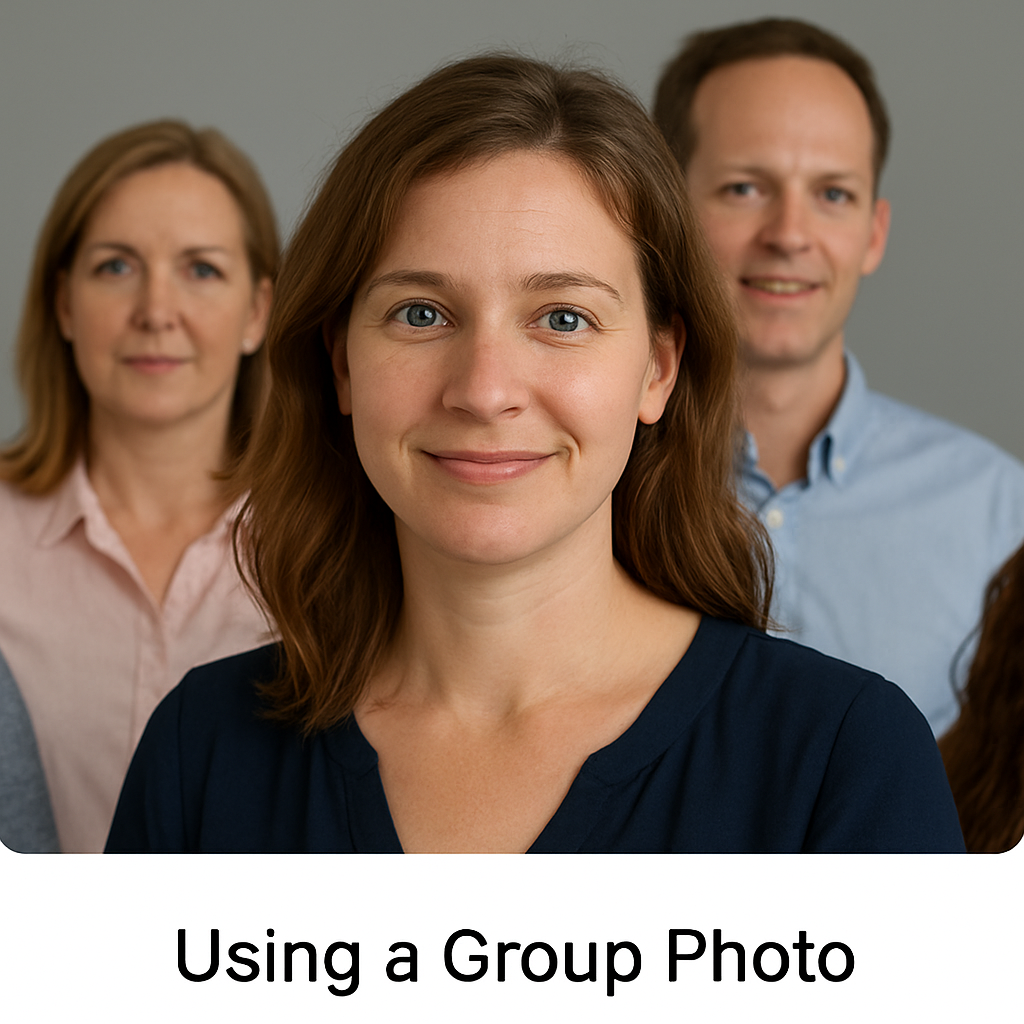
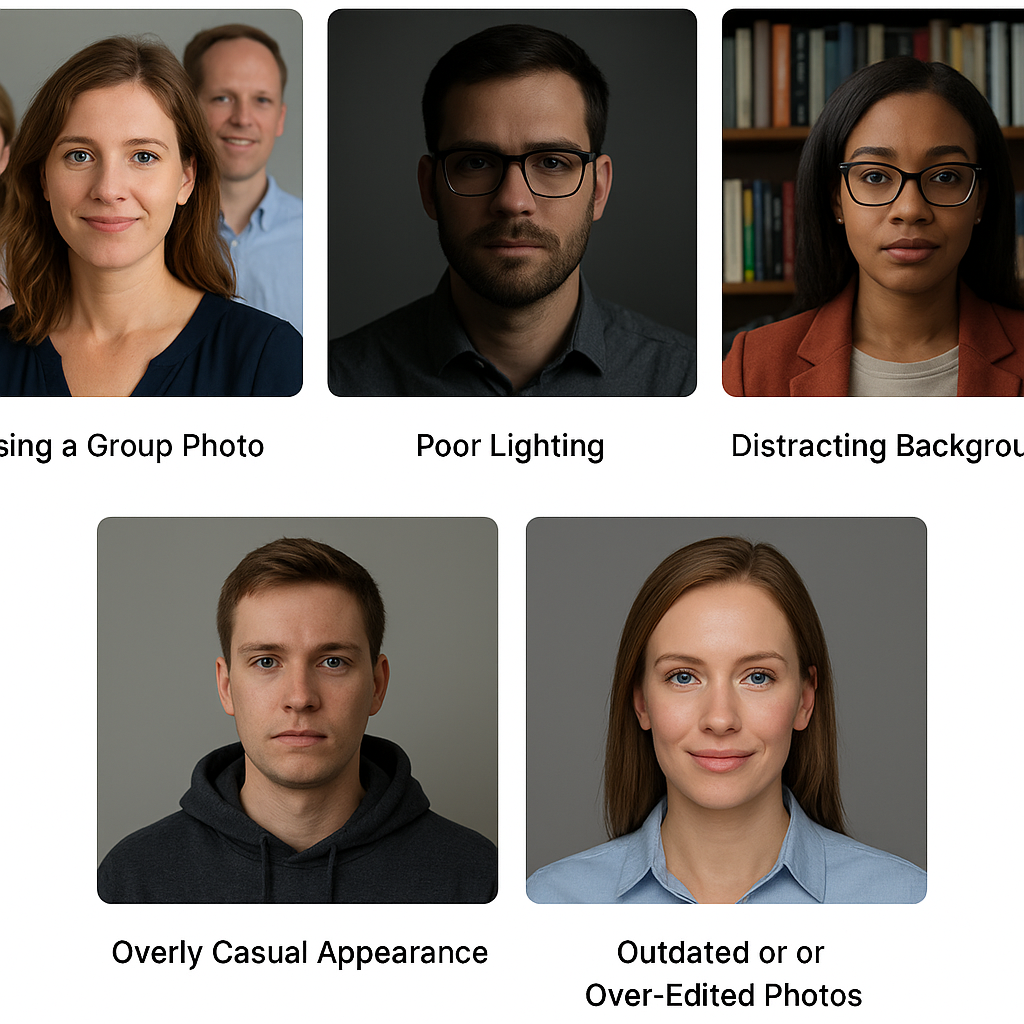
1. Using a Group Photo
We’ve all seen it — someone’s “profile picture” is a cropped group photo where you can still see other people’s shoulders, hair, or hands.
Why it’s a problem:
- It makes you look less professional.
- Viewers may get confused about who you are.
- Cropping often lowers image quality.
The fix: Use a clear, single-person photo that frames your head and shoulders.
Group photo - has simple cropping tool to pick only you before uploading. Which is very handful for parents and family members, mostly have group photo or group selfies
2. Poor Lighting
Dim, grainy images or harsh overhead lighting can make even the most polished professional look tired or unapproachable.
Why it’s a problem:
- Shadows distort facial features.
- Dark images look unprofessional.
- Poor lighting lowers image clarity.
The fix: Shoot in natural daylight facing a window, or use AI-generated headshots that simulate professional studio lighting.
3. Distracting Backgrounds
That busy café scene or messy bedroom in the background? It takes attention away from you.
Why it’s a problem:
- Distracts the viewer’s eyes.
- Can feel less professional or polished.
- Makes your profile picture look casual instead of career-focused.
The fix: Use a clean, neutral background — solid colors or soft gradients work best.
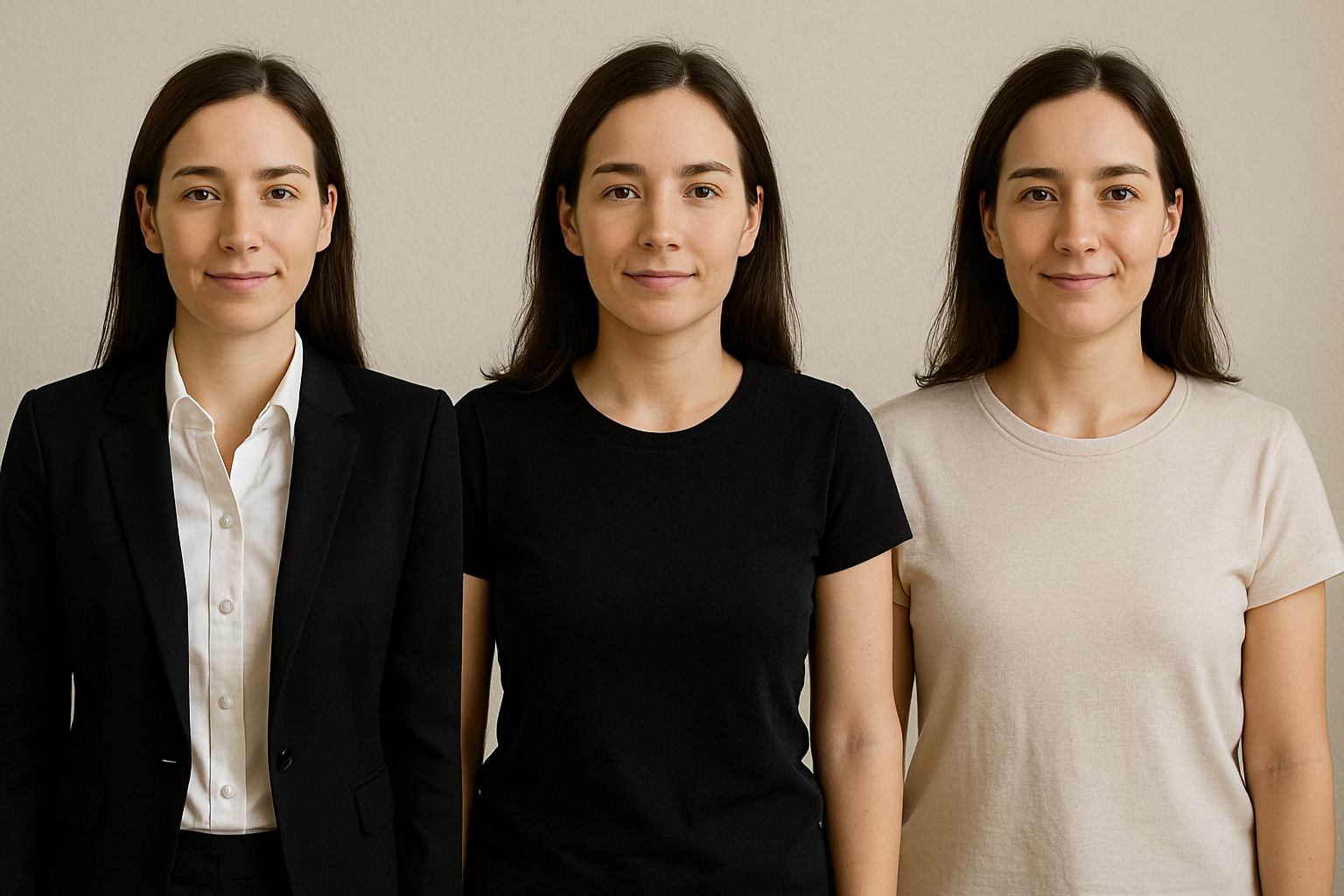
4. Overly Casual Appearance
Yes, LinkedIn isn’t always suit-and-tie, but wearing a faded hoodie or beachwear doesn’t exactly say “hire me.”
Why it’s a problem:
- Can make you seem unprepared or unserious.
- Doesn’t align with most professional expectations.
The fix: Wear neat, professional clothing in your photo. Even a crisp shirt or blouse works wonders.
5. Outdated or Over-Edited Photos
If your photo is from ten years ago, or if you’ve blurred and smoothed your skin so much you barely look real, it can hurt trust.
Why it’s a problem:
- People want to recognize you in real life.
- Over-editing can appear deceptive.
- Outdated images may not reflect your current professional presence.
The reality here is, we take selfies least alternative weeks once (mostly whenever we wear nice dress), but how often do we schedule headshots? two year once? I doubt that.
The fix: Keep your headshot recent and realistic — natural retouching is fine, but avoid extremes.
Final Thoughts
Your LinkedIn photo is your professional handshake online. Avoiding these mistakes ensures you come across as confident, approachable, and trustworthy.
The good news? You don’t need to book an expensive photoshoot — AI can give you a perfect, polished headshot in under an hour.
Get your professional AI headshot here and put your best face forward today.