·
How to Get a Professional LinkedIn Headshot Without a Photographer (in Under an Hour)
If you’re like most professionals, you know the value of a good LinkedIn profile picture.
A polished headshot can make you appear more trustworthy, approachable, and confident.
But here’s the problem:
- Professional photographers can charge anywhere from $50 to $300 for a single headshot.
- Booking an appointment, traveling to a studio, and waiting for edits can easily eat up half your day.
What if you could get a studio-quality headshot in under an hour — without ever leaving your home?
That’s exactly what I’m going to show you.
Why Your LinkedIn Headshot Matters More Than You Think
Recruiters and potential clients often form their first impression of you in less than two seconds.
And whether we like it or not, your profile picture heavily influences that impression.
A good headshot can:
- Increase profile views.
- Encourage more connection requests.
- Make you appear more credible and professional.
In short, it’s not just a picture — it’s your personal brand.
The Old Way vs. The New Way
The Old Way:
- Search for a local photographer.
- Book an appointment days or weeks in advance.
- Spend 1–2 hours at the studio.
- Wait days for the edited photo.
The New Way:
Upload a few casual photos → Let AI do the magic → Download your headshots in under an hour.
How AI Can Replace a Photographer
Advances in AI image generation mean that computers can now:
- Recognize your facial features and proportions.
- Apply flattering lighting, backgrounds, and poses.
- Render ultra-realistic results that look like they came from a professional studio.
The best part? You don’t need expensive gear — your smartphone camera is enough.
Step-by-Step: How to Get Your AI LinkedIn Headshot in Under an Hour
Here’s how to do it using HeadShot.hosan.in:
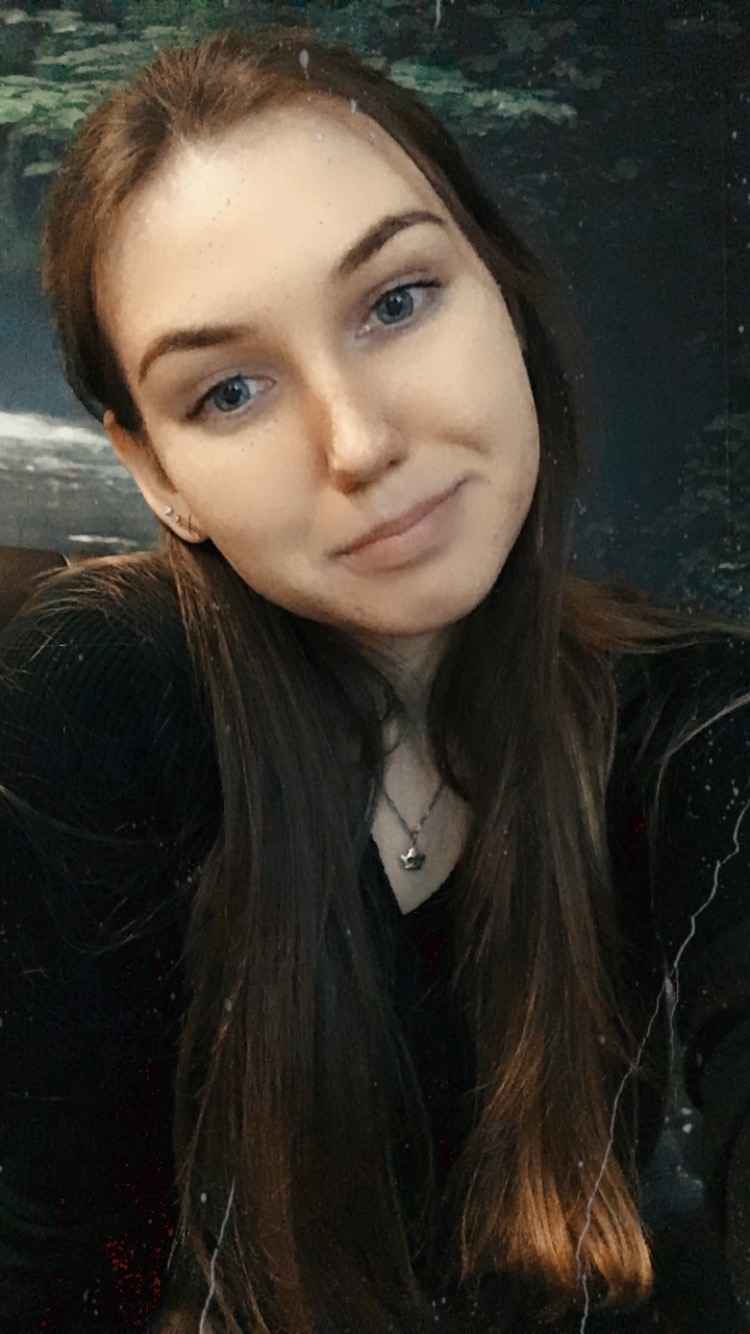
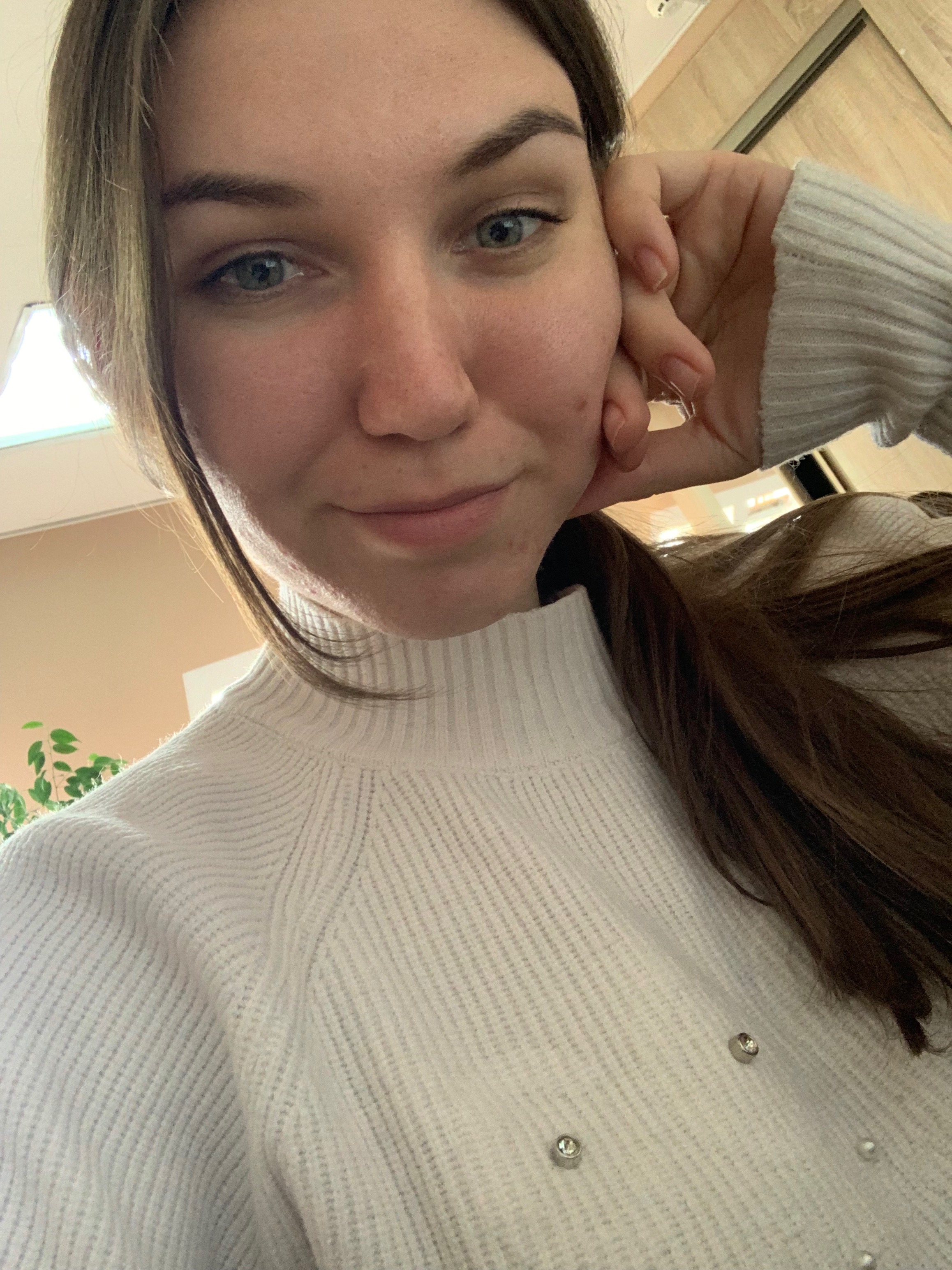
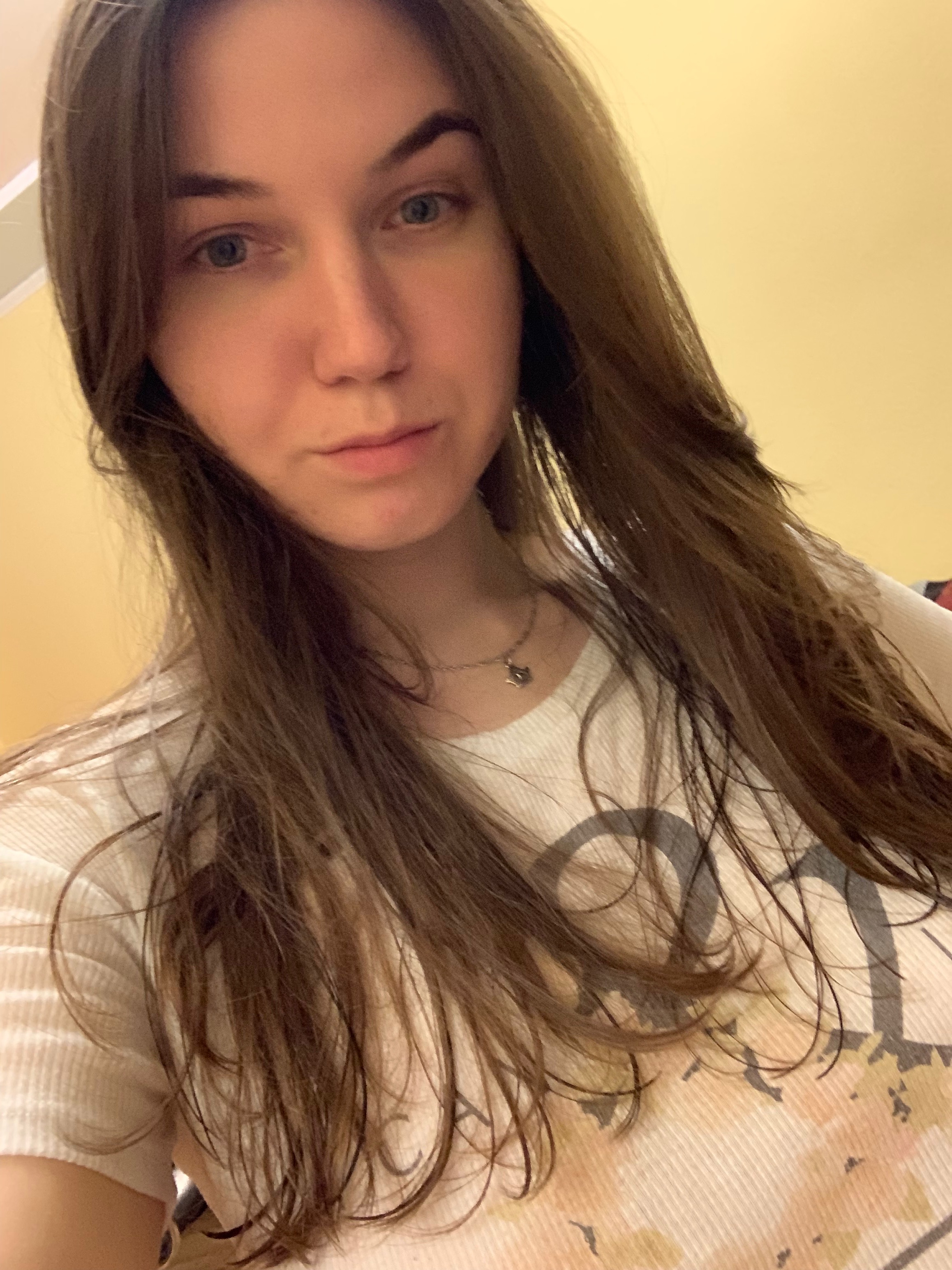
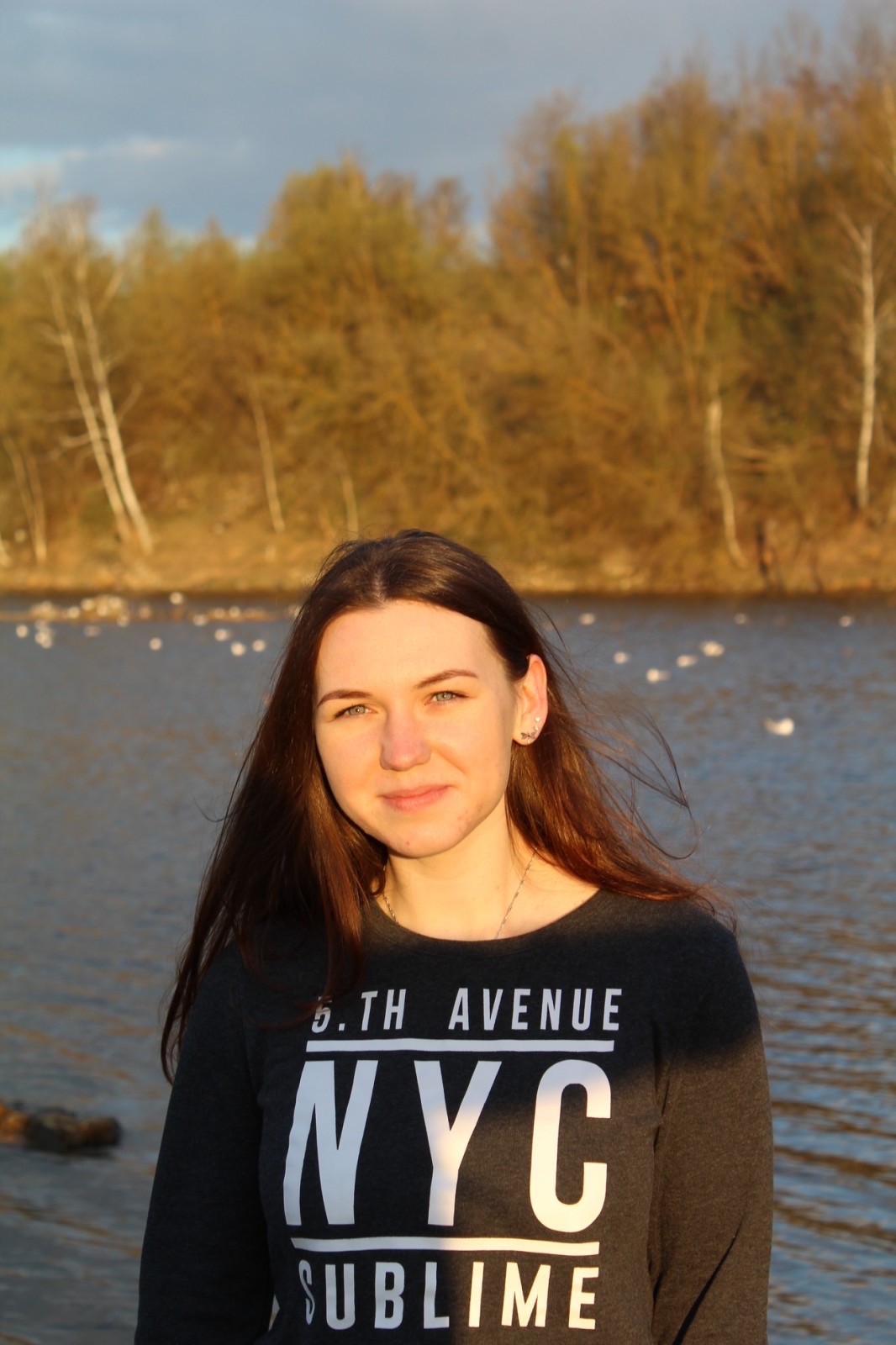
Step 1: Collect 10-12 Photos of Yourself
These can be:
- Selfies
- Casual single shots
- Candid photos from events
Tips for best results:
- Don't add group photos (AI get confused with multiple people)
- Use varied backgrounds.
- Include different expressions.
Step 2: Upload Your Photos
Go to headshot.hosan.in and:
- Choose your plan.
- Upload your images.
- Confirm your order.
The site will securely process your photos and prepare them for training.
Step 3: AI Training Begins
Once your photos are uploaded:
- Our system “learns” your facial structure and features.
- It then generates a variety of professional headshots in multiple styles and backgrounds.
This usually takes less than an hour.
Step 4: Download Your Headshots
You’ll receive an email when your AI headshots are ready.
- Click the link to view your gallery.
- Download your favorites.
- Upload your new photo to LinkedIn — done.
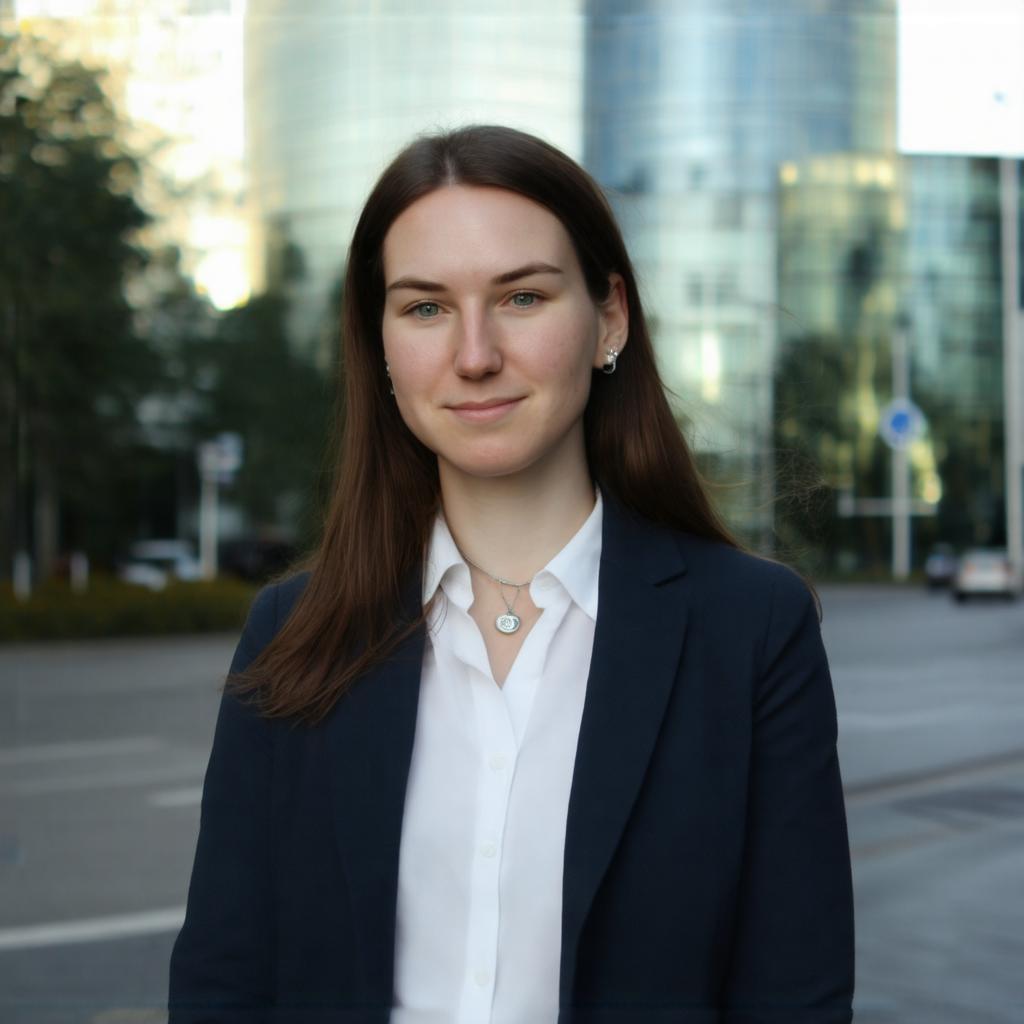
Sample outputs:



Why This Works So Well
- Speed: You get results the same day.
- Cost: A fraction of traditional photography.
- Control: You choose your favorite style and background.
- Convenience: No travel, no studio time, no rescheduling.
Real Results From Real People
Here are a few examples from our users:
[Image suggestion: Gallery of 3–4 users with “Before” and “After” shots side-by-side]
"I replaced my LinkedIn photo with one from HeadShotSaaS and immediately saw more profile visits." — Michael R., Marketing Manager
"I needed a professional photo for a conference, and this was ready in 45 minutes." — Priya K., Software Engineer
Final Thoughts
Your LinkedIn profile is your professional handshake in the digital world.
With AI headshots, you can put your best face forward today — without the wait, without the cost, and without the awkward studio session.
Ready to upgrade your profile picture?
Click here to get your AI headshot now
P.S. If you’re not completely satisfied with your AI headshots, we offer a 100% refund — no questions asked.